Audio Optimiser
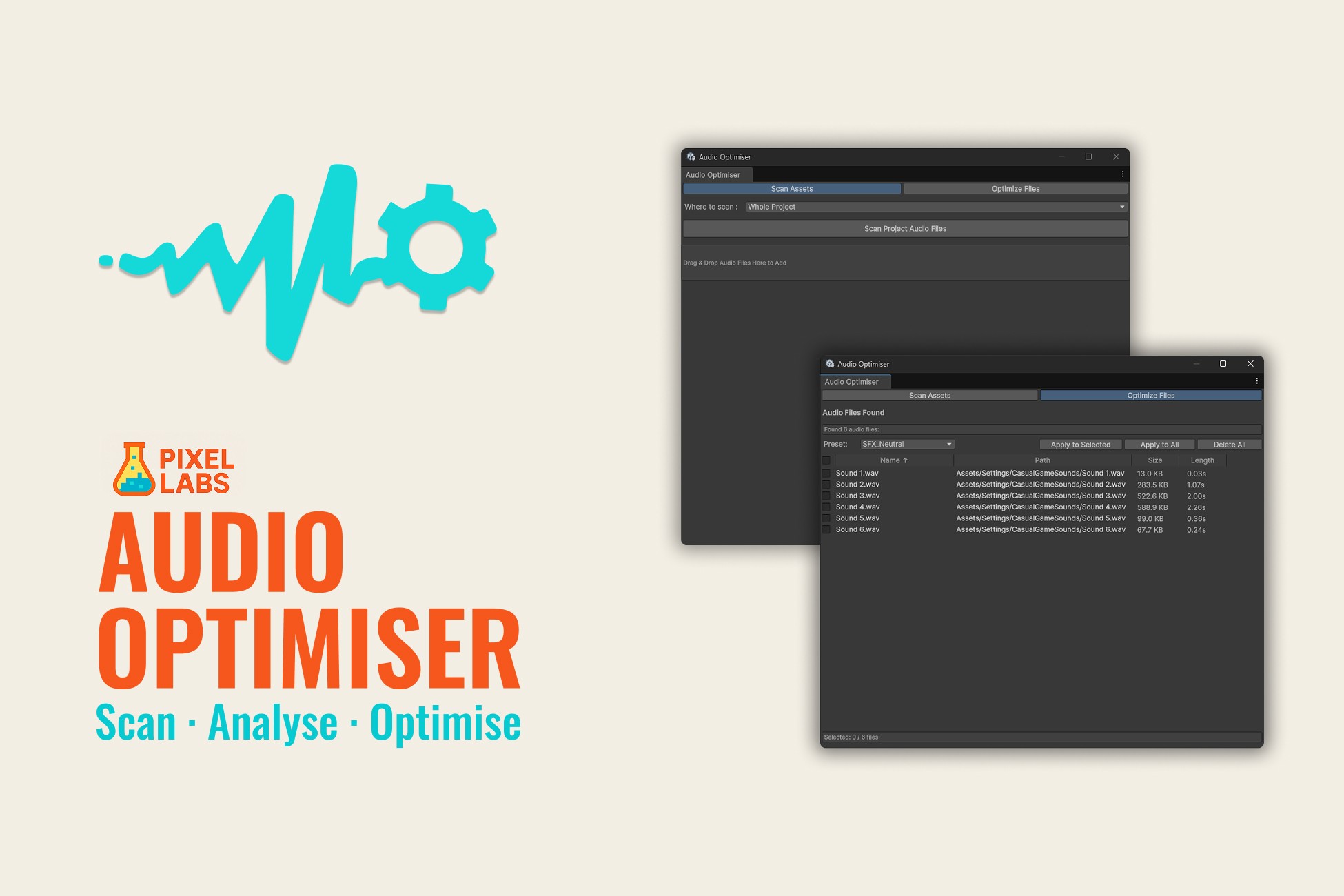
Audio Optimiser lets you batch optimise SFX and BGM using presets or custom settings, reducing build size and improving performance without losing quality saving hours of manual work.
About Tool
Access all your Unity scenes from one place
Search entire project or specific folders.
Displays Name, Path, Size, Length, Frequency, and Channels.
Directly optimise selected files without scanning.
Sort audio assets by Name, Path, or Size.
Checkbox column for selecting individual or all files.
Batch Optimisation - Apply settings to multiple audio clips at once.
Use Presets, thye have Quality, Size, and Neutral modes.
Create custom presets, Save and reuse your own settings via ScriptableObject assets.
Compatibility / Tested Versions:
Unity 6000.2.6f2.
Unity 2022.3.62f2 (LTS)
Unity 2021.3.45f2 (LTS)